

 App Store
 Google Play


Sony
Electronics & Gadgets, Electrical & Smart Living
Brand Overview
Sony Group Corporation is a premier Japanese multinational conglomerate renowned as a global powerhouse in consumer electronics, gaming, and entertainment. Founded in 1946 by Masaru Ibuka and Akio Morita, the Tokyo-headquartered giant operates a highly diversified business model across several dominant industry sectors.

Years in Industry
80+

Customer-Rating
400000+

Product Categories
8+
Product Categories
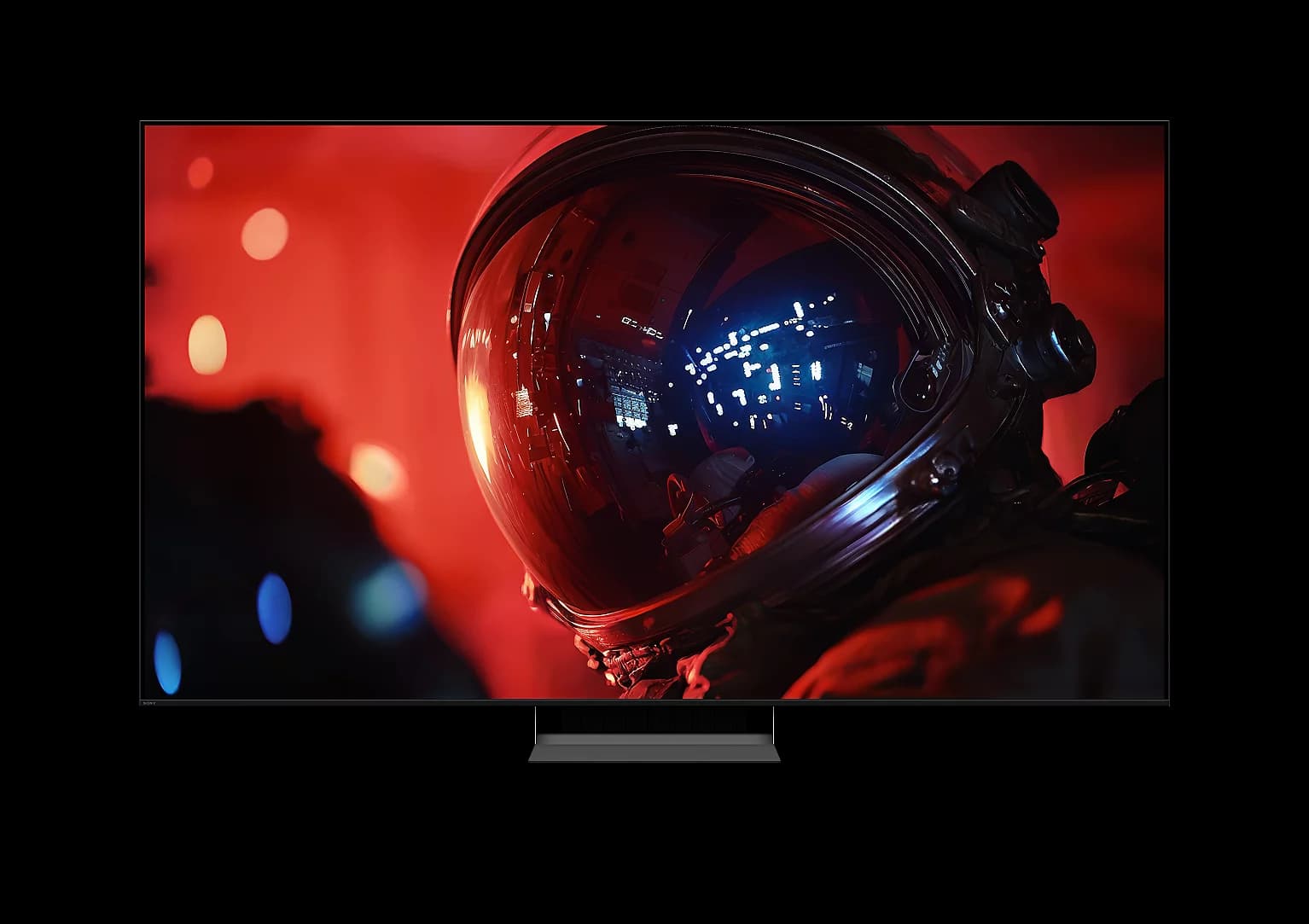
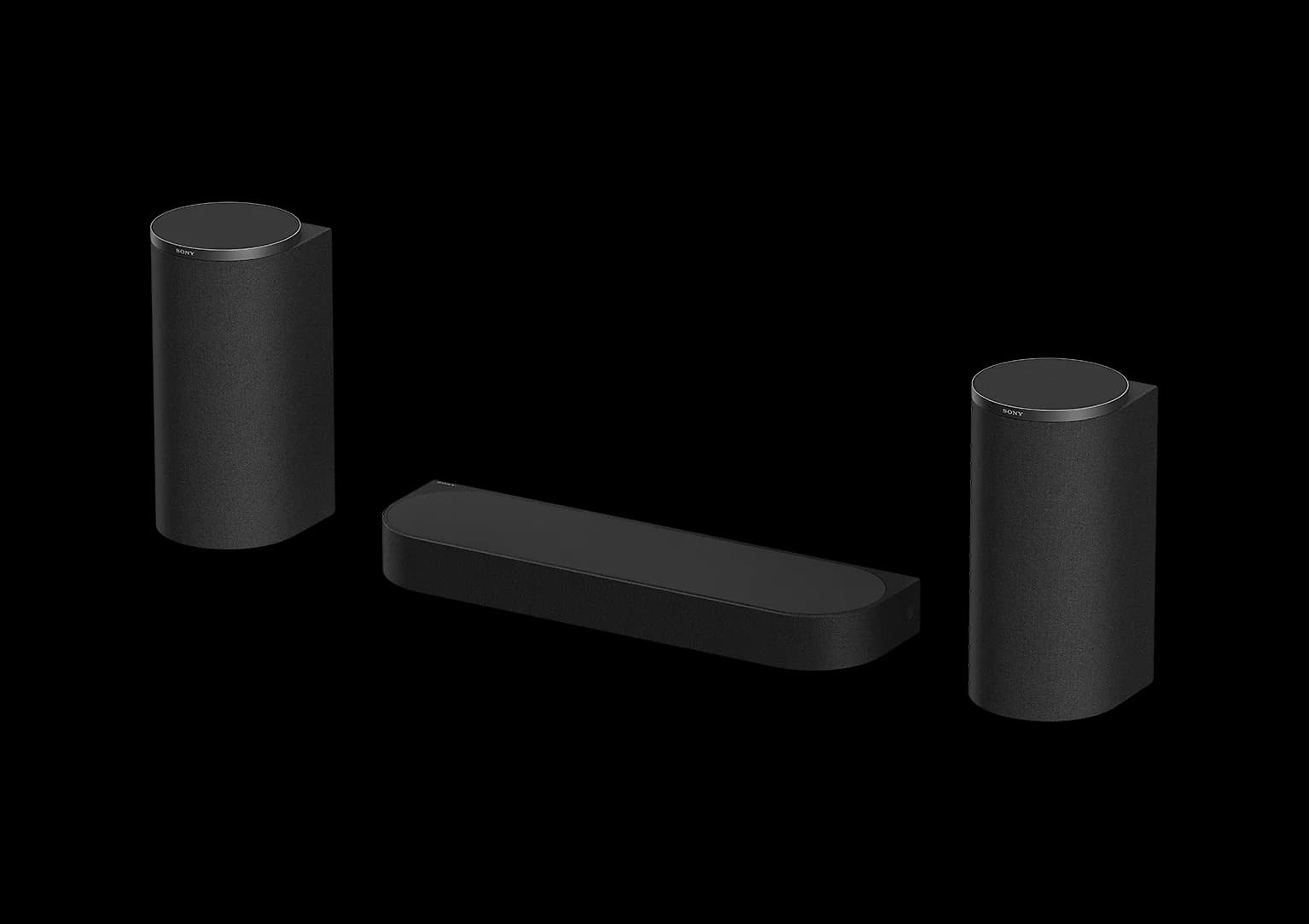
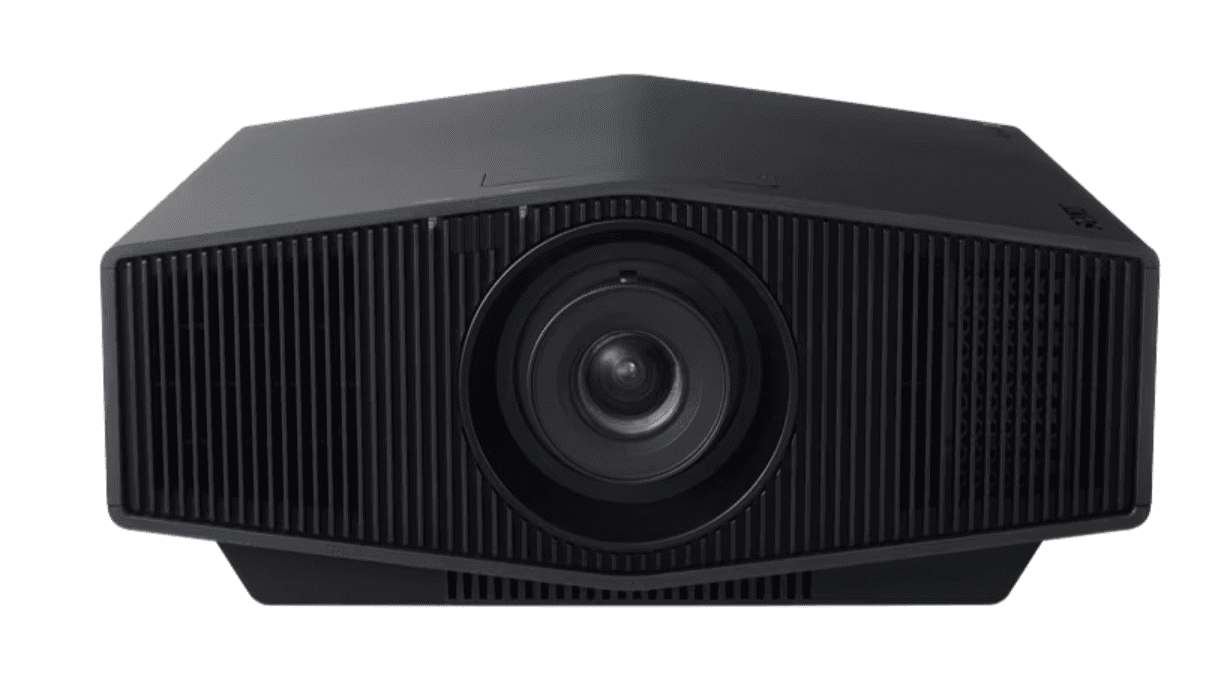
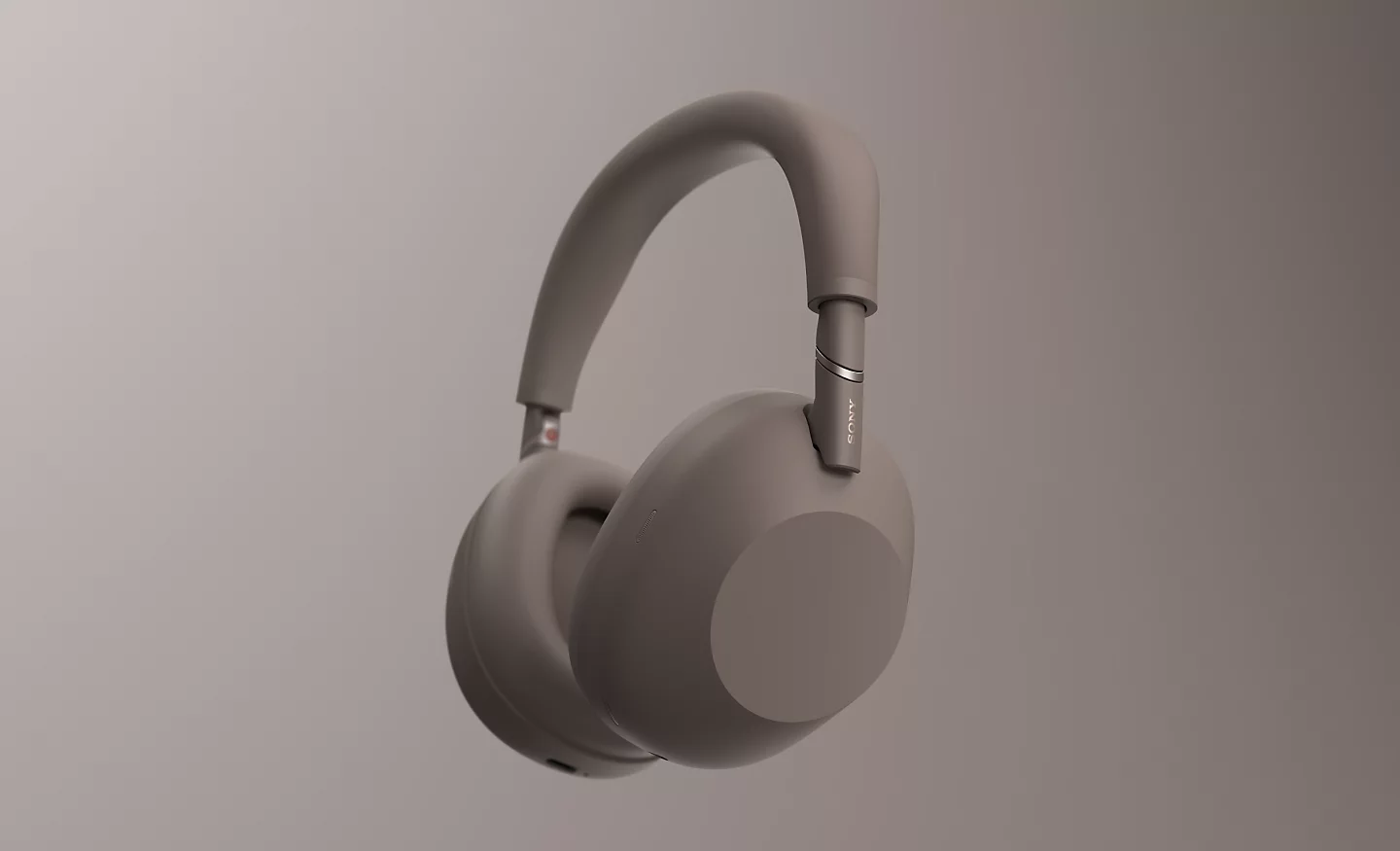
Top Architects Using Sony
See all Architect
Certificates & Credentials
ISO14001
Global Environmental Management System (GEMS) Certification
ISO14001 2004/10
Global Environmental Management System (GEMS) Certification
FAQs
Read Frequently asked questions here
The rechargeable battery does not charge properly using the supplied battery charger

If the rechargeable battery does not charge properly using the supplied battery charger, follow the steps below. Notes: Because each of these steps represents a possible solution to this issue, check the camera status after completing each step. The information in this solution are basic troubleshooting guides. For model-specific information, check the specifications or supplied operations guide. Manuals are posted on your model support page. Sony doesn't support third-party batteries. If using a third-party battery, refer to the battery manufacturer for further assistance. It is recommended to charge the battery under the environment of 10 degrees C to 30 degrees C (50 degrees F to 86 degrees F) until the charging indicator goes off. Under other environments, the battery may not charge efficiently. The charging indicator may flash if the battery has not been charged for a long time or right after the purchase. In this case, try removing the battery and charging it again. If the charging indicator doesn't light up or blink while charging, confirm the battery contacts are free of any foreign material that may prevent charging. Wipe the dust away on the terminal with a dry cloth, then charge the battery again. Note: Try to avoid touching the terminals with your hands or metals. Verify that the battery is inserted correctly in the camera. Verify that the charger or cradle cord is properly connected and plugged into a known working AC power outlet. Verify the charging indicator is illuminated on the charger or camera. Power off the camera as the battery may not charge when the camera is powered on. If the issue still exists, install a different and compatible Sony rechargeable battery. Note: If the replacement battery charges, the first battery may need to be replaced. If the issue is still unresolved, service may be required. Include the battery, charger or power adapter, and USB cable for evaluation if sending the camera in for service. Go to Product Repair.
The charge light on the battery charger flashes when charging the battery pack
The CHARGE light may flash for the following reasons: The environmental temperature is too cold to charge the battery pack. The battery pack has not been used for a long time. There is a poor connection between the battery and charger. There is a problem with the battery pack. The CHARGE lamp may flash fast (multiple times a second) or slow (around 1.5 second intervals), depending on the cause. Slow flashing occurs if the battery has not been charged for a long time or if the environmental temperature is not suitable for charging the battery. The slow flash should stop after a short while or after the temperature returns to a suitable range between 50°F and 86°F (10°C and 30°C). Fast flashing indicates a poor connection between the battery and charger or a problem with the battery pack. Refer to the rechargeable battery does not charge properly using the supplied battery charger article for details. Afterwards, try charging the battery again. If the flashing continues, then the battery may need to be replaced.
Will the battery pack always charge when the camera is connected to a computer or AC adapter?
IMPORTANT: This article applies only to specific products and/or operating systems. Check Applicable Products and Categories for details. The battery pack will only charge if you turn off your camera and connect it to a computer or to an AC adaptor using the USB cable. It will not charge if you turn the camera on. If your camera has a built-in USB cable, use it to charge.
How to pair Bluetooth headphones with a Bluetooth source device
Select the appropriate headphones type or model for troubleshooting steps: Headband/In-Ear Step 1. Enter the headphones into pairing mode The following descriptions are just examples. For more details, refer to the Help Guide. When you pair the headphones with a device for the first time or after initializing, the headphones automatically enter the pairing mode when you remove them from the charging case. If you put on the headphones, you will hear a notification sound and the voice guidance saying Bluetooth pairing from the left unit. To pair the headphones with a second device: Press and hold the Power button for at least 7 seconds. The indicator flashes and you will hear the voice guidance saying Bluetooth pairing. Note: If the pairing is not finished within 5 minutes, the pairing mode on the headphones is canceled. If this happens, place the headphones into the charging case again and start the operation from the beginning. Step 2. Operate a device and complete the pairing Select your source device from the following list to confirm the pairing procedure: Walkman Android device (smartphone, tablet) iOS device (iPhone, iPad, Apple Watch) Windows 11, 10, 8.1 Mac Sony Android TVs (Step 2: Pair the headphones with the TV section) Note: Not all Sony Android TVs can be used with Bluetooth headphones or speakers. Verify your TV supports Bluetooth using the article Can I use Bluetooth headphones, speakers, and soundbars with my Android TV or Google TV? If the issue is not resolved If the issue is still not resolved, refer to the article Troubleshooting Bluetooth pairing issues.
